Kopyo, the clipboard manager for Mac.
Everything you copy. One keystroke away.
Private, fast and built for the keyboard. Made for macOS Tahoe.
macOS Tahoe 26 or later · 7-day free trial, no card
Kopyo at a glance
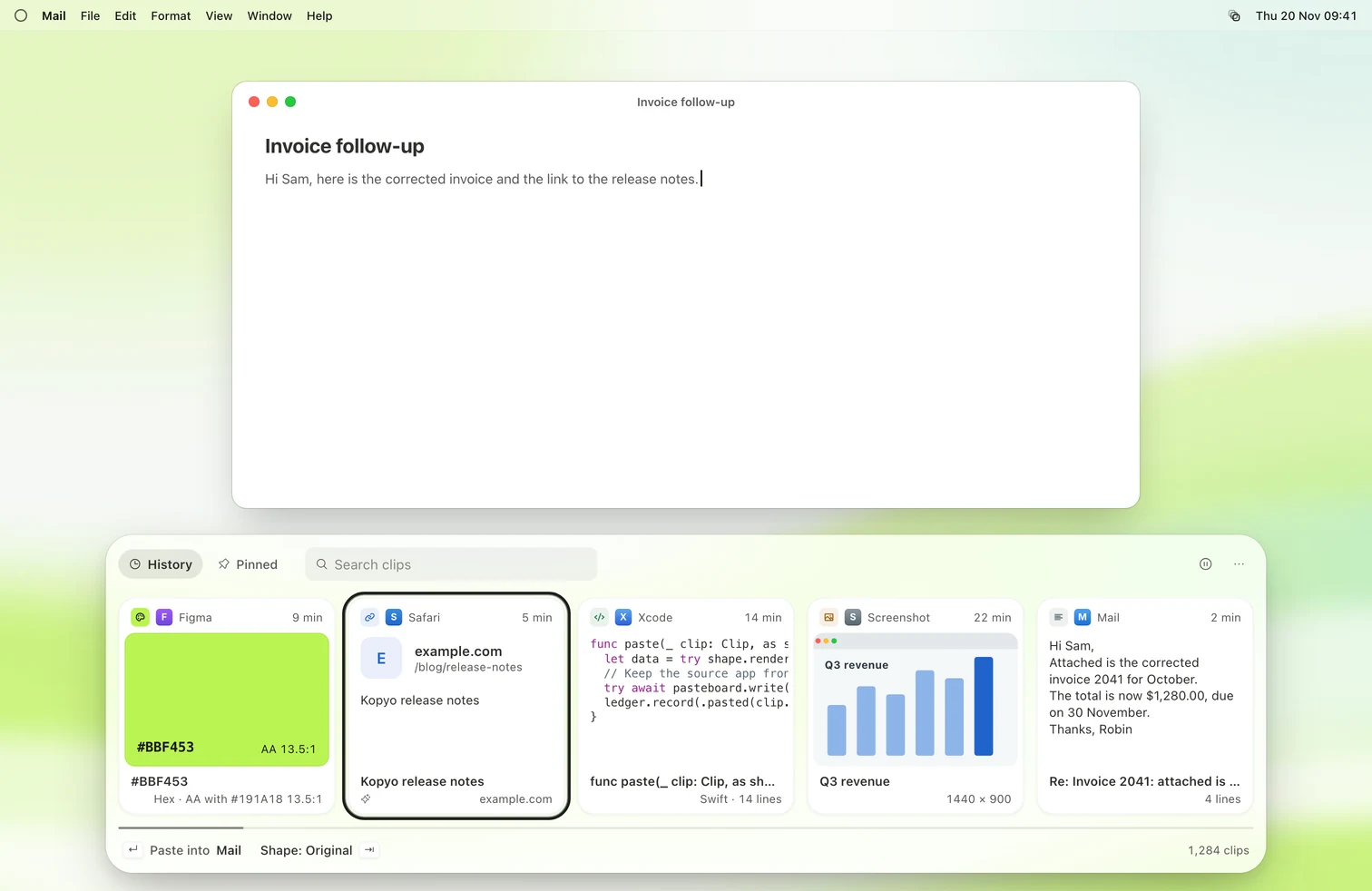
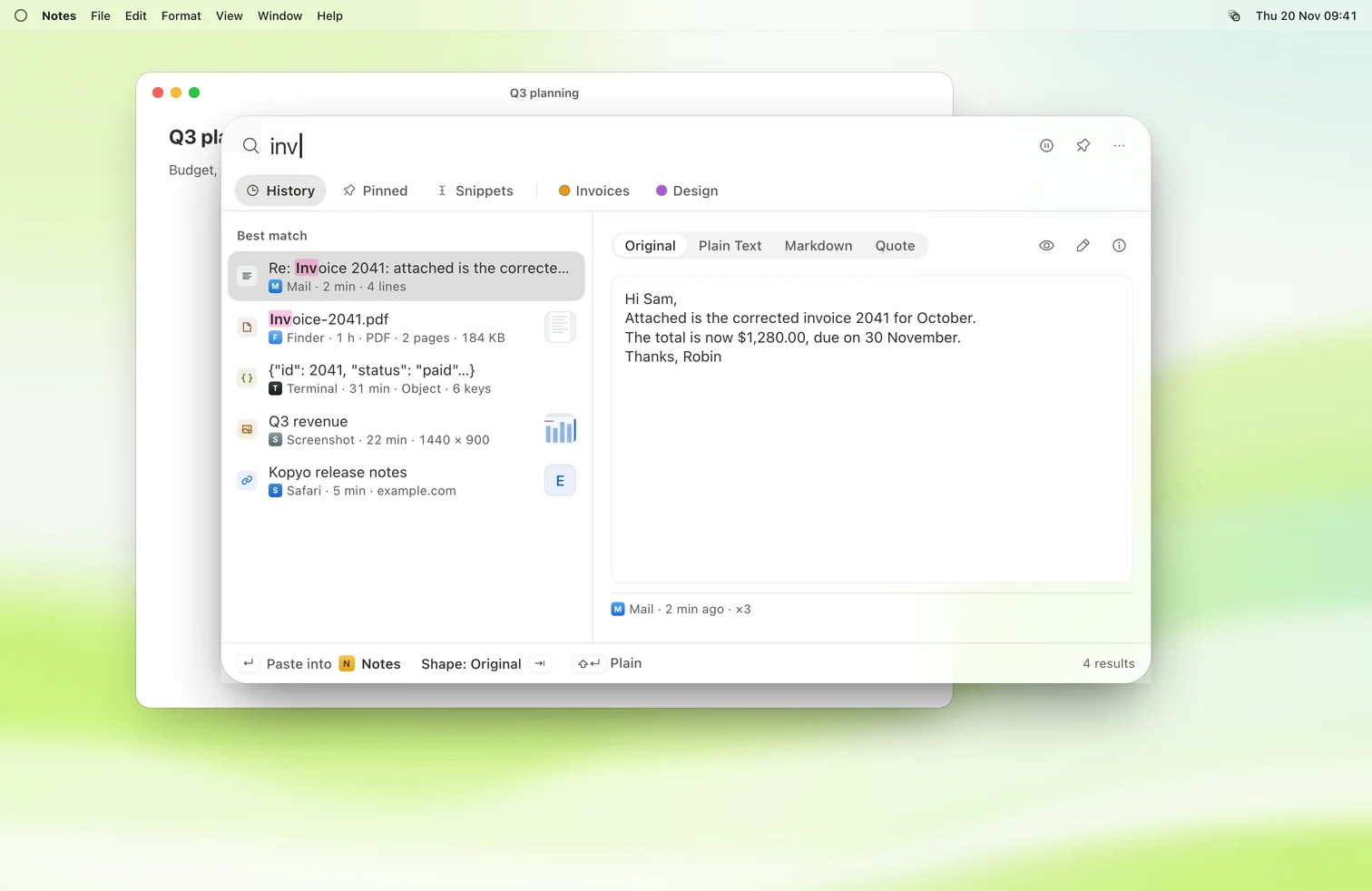
Kopyo keeps your clipboard history on your Mac. Text, links, images, files and PDFs, each with the app and page it came from. Press ⇧⌘V and it's all there.
- Instant.Opens the moment you press Shift Command V. Search as you type.
- Private.Stays on your Mac. No cloud, no account.
- Native.SwiftUI and AppKit, made for macOS Tahoe.
- Yours.Every plan runs the latest Kopyo. No paid upgrades.
Every clip knows where it came from.
Clipboard history with context. The app, the window and the web page, saved with everything you copy.
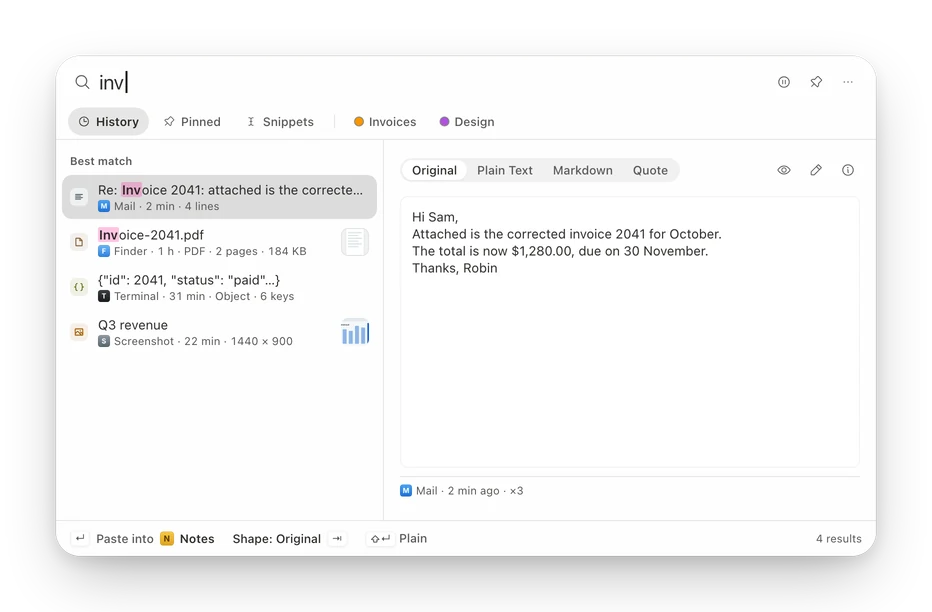
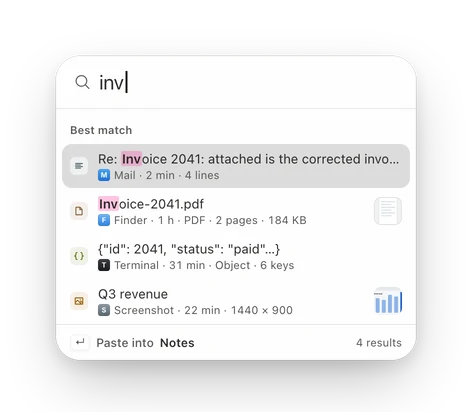
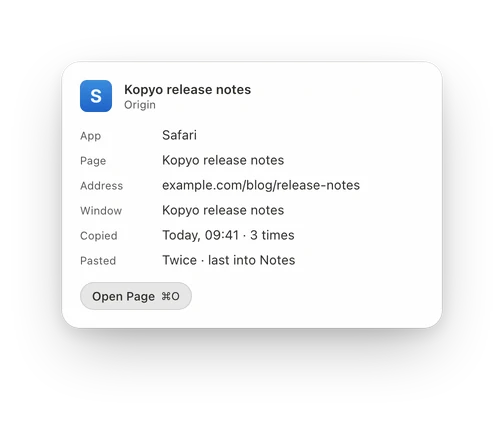
- Search as you type, even the words inside screenshots.
- Filter by app or type with
app:andtype:. - Copy the same thing twice, keep it once.
Paste it the way you need it.
Paste as plain text, Markdown, a code block or the original. Press Tab to switch.
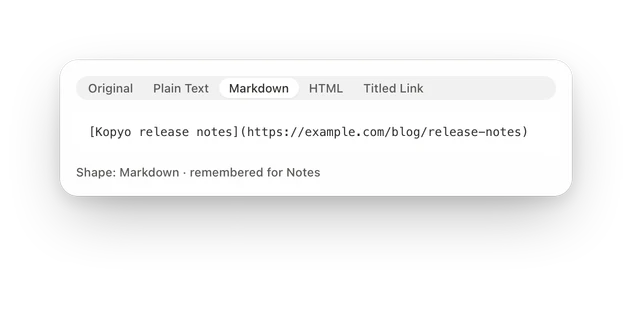
The right shape. Every time.
Kopyo remembers what each app likes, so Notes gets Markdown and Mail gets plain text.
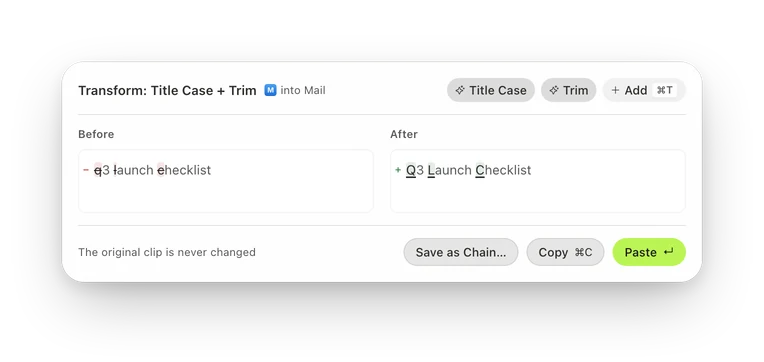
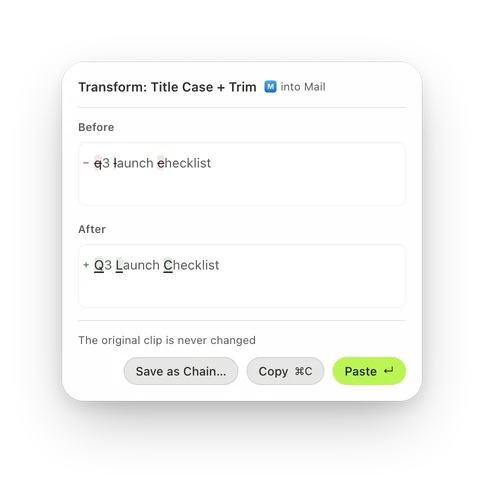
Fix it before you paste.
53 transforms, from Title Case to Prettify JSON, with a live preview.
Queue
Copy five things. Paste them in order.
Paste several items in order. Collect with Control Command C, then Command V, Command V, Command V.
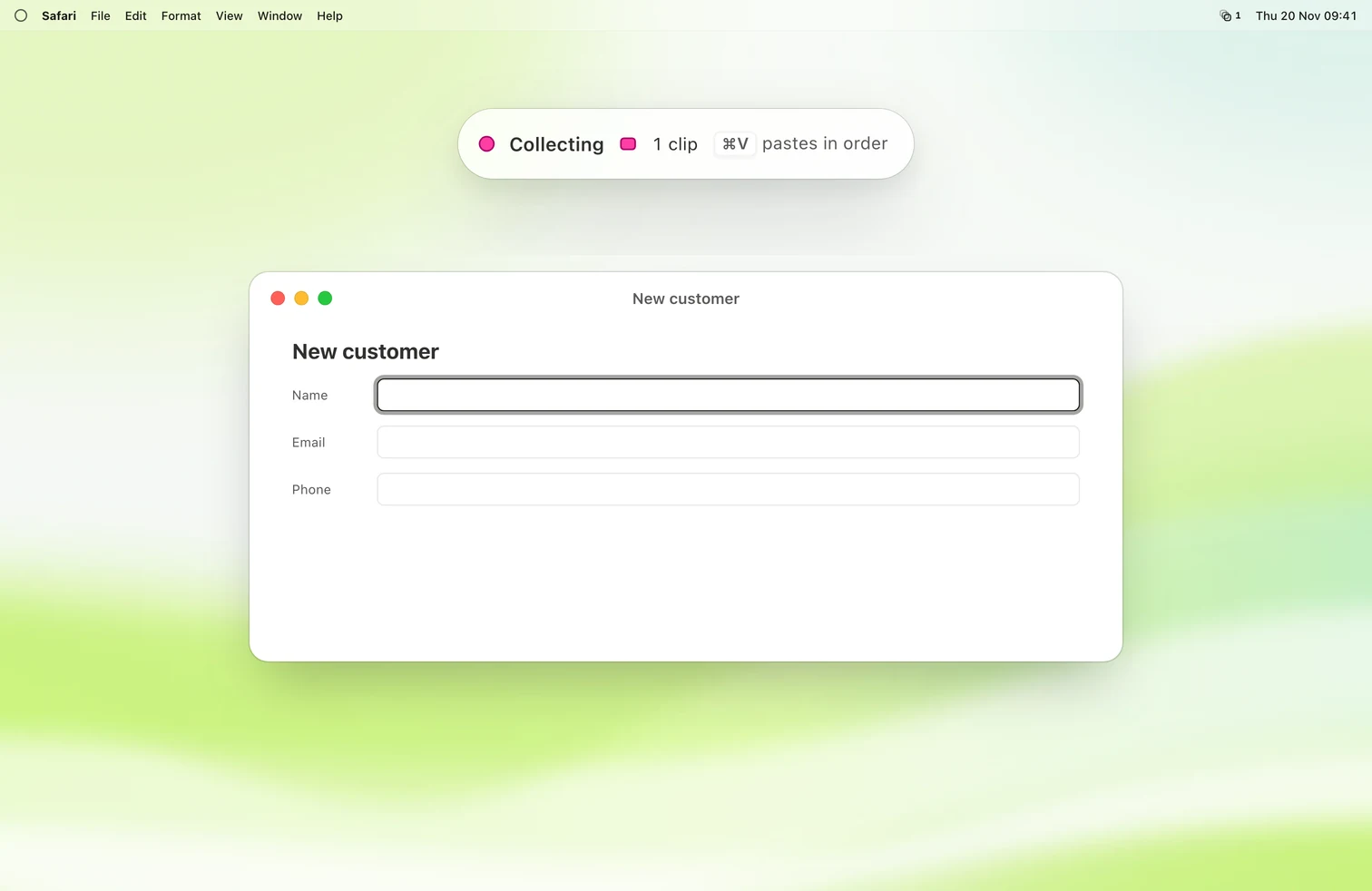
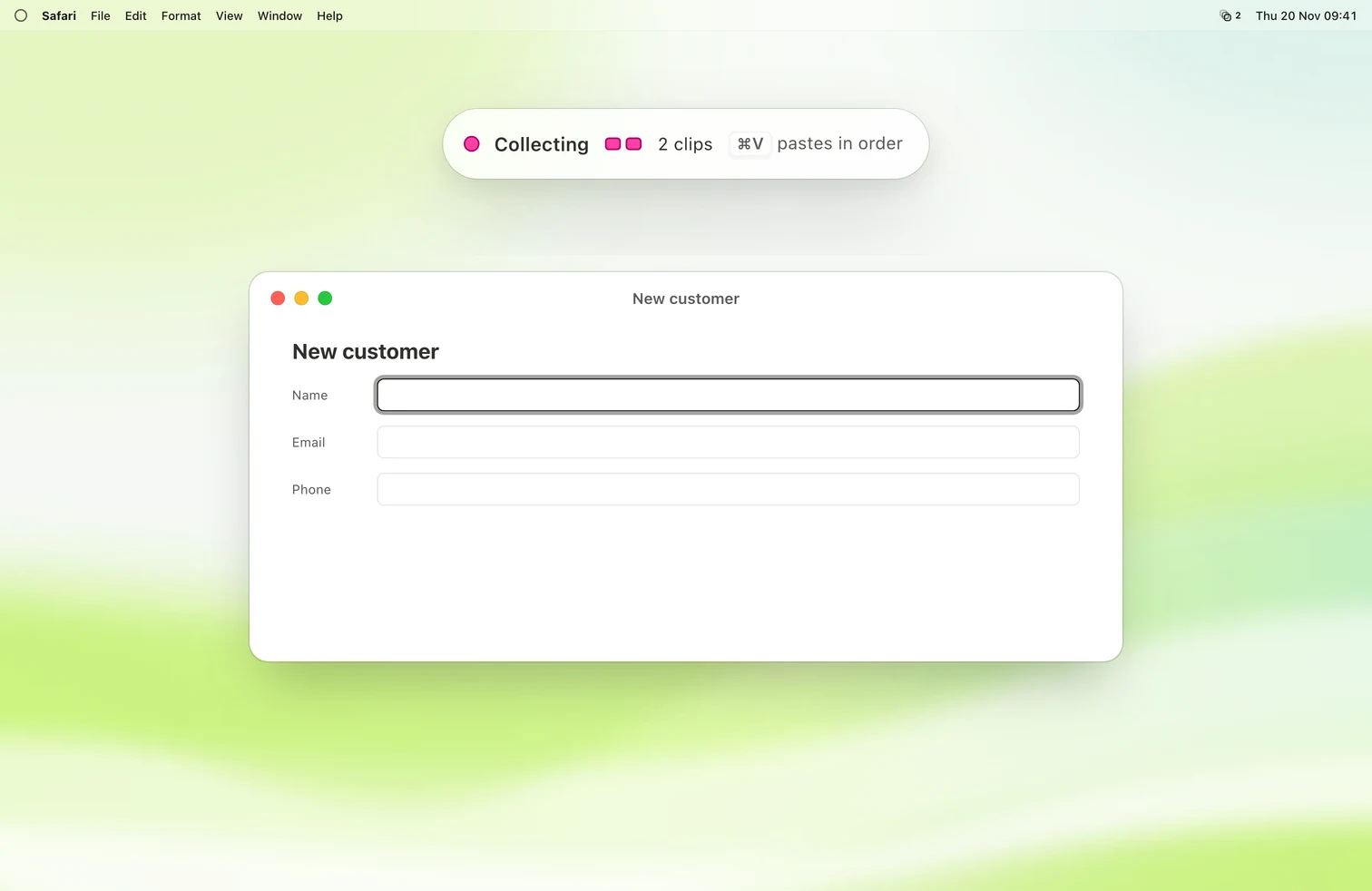
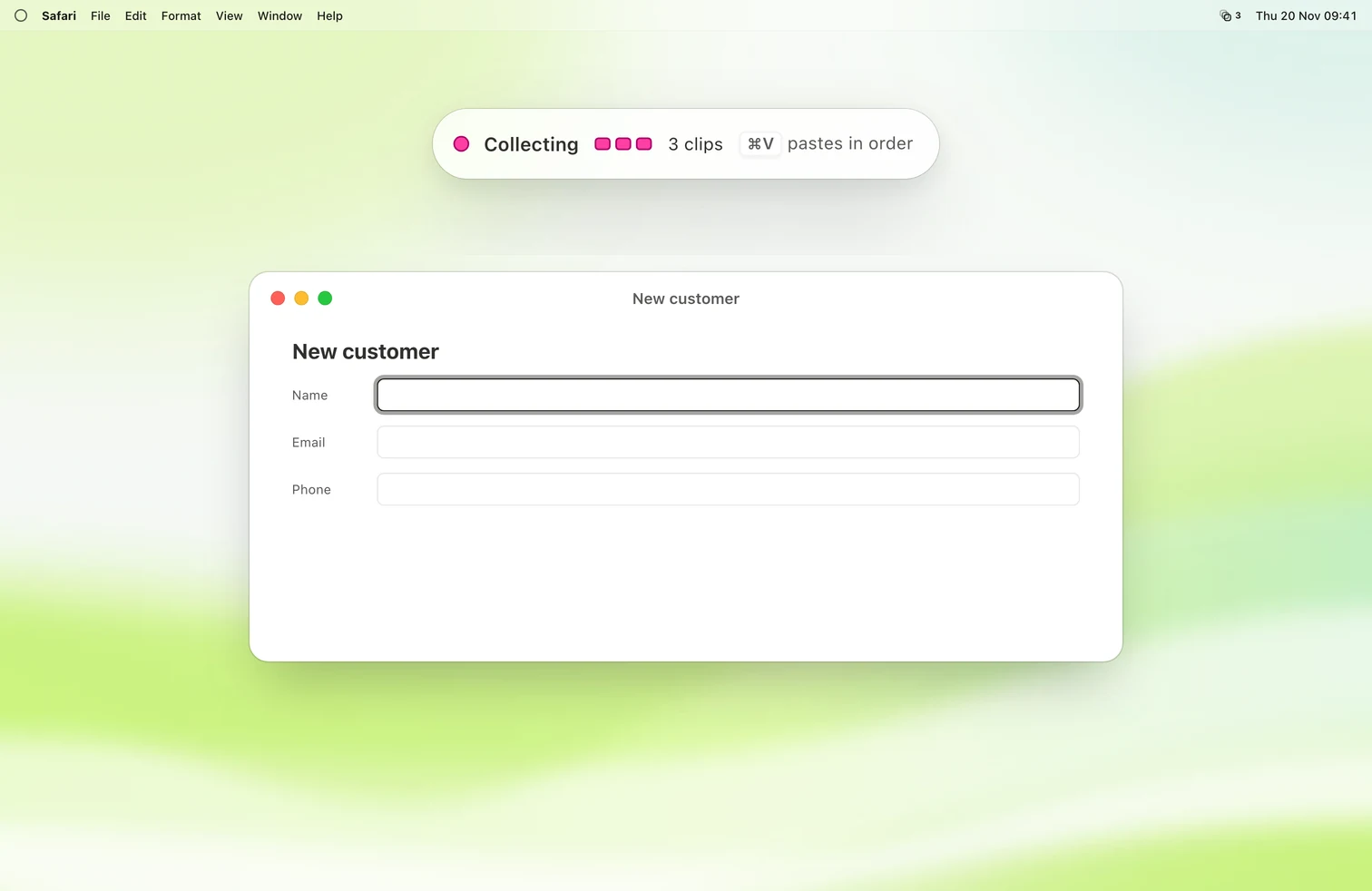
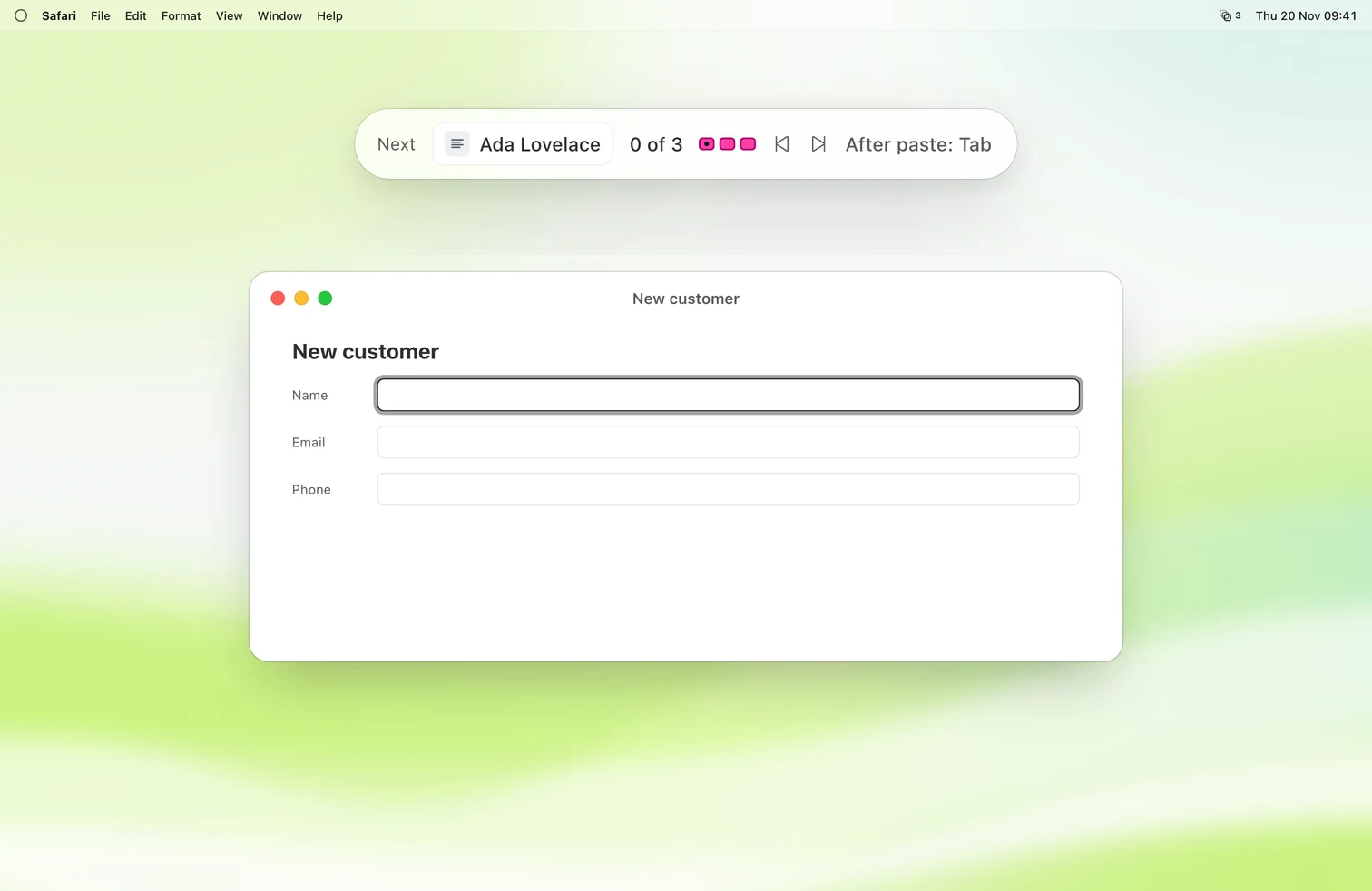
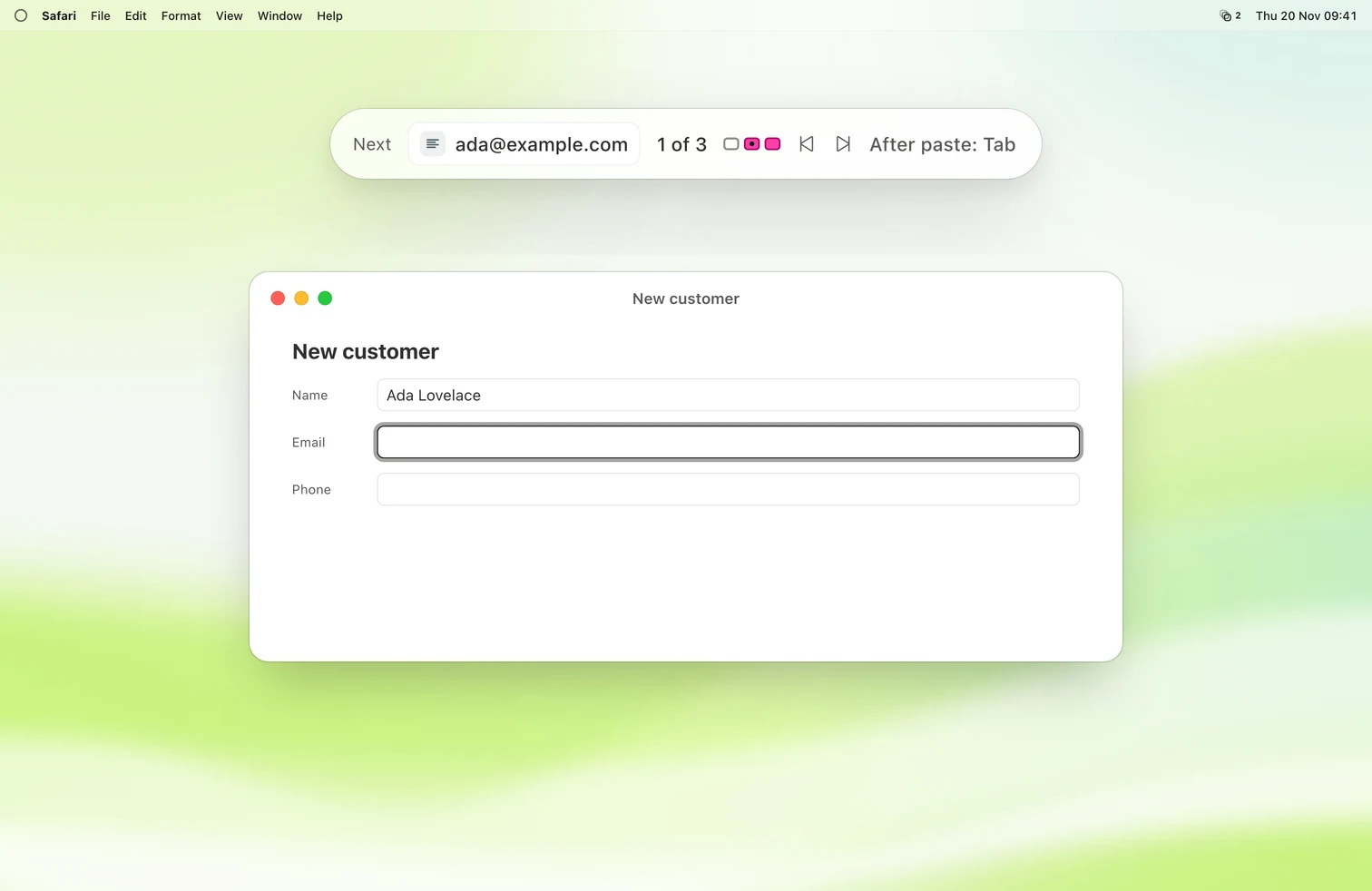
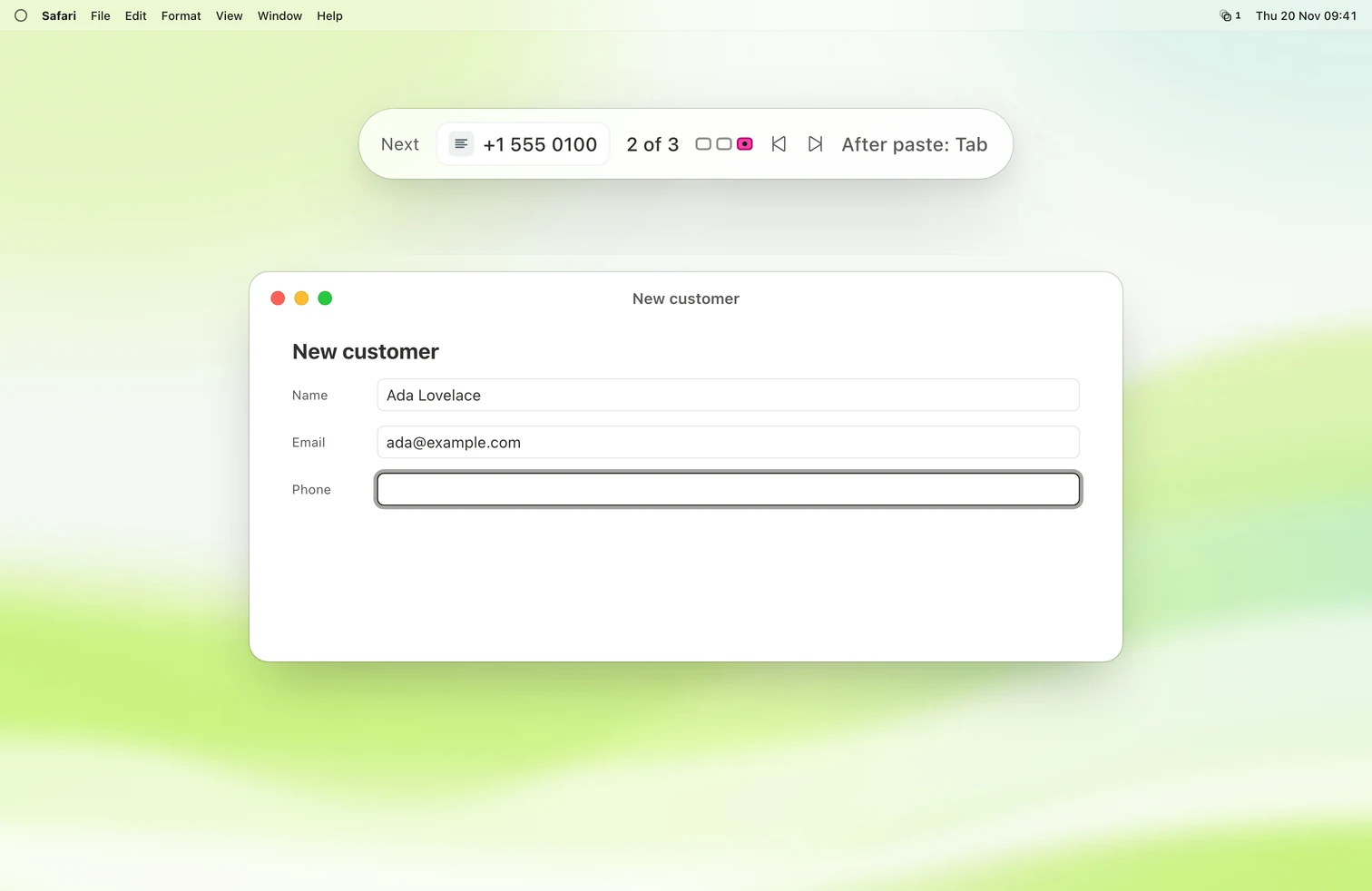
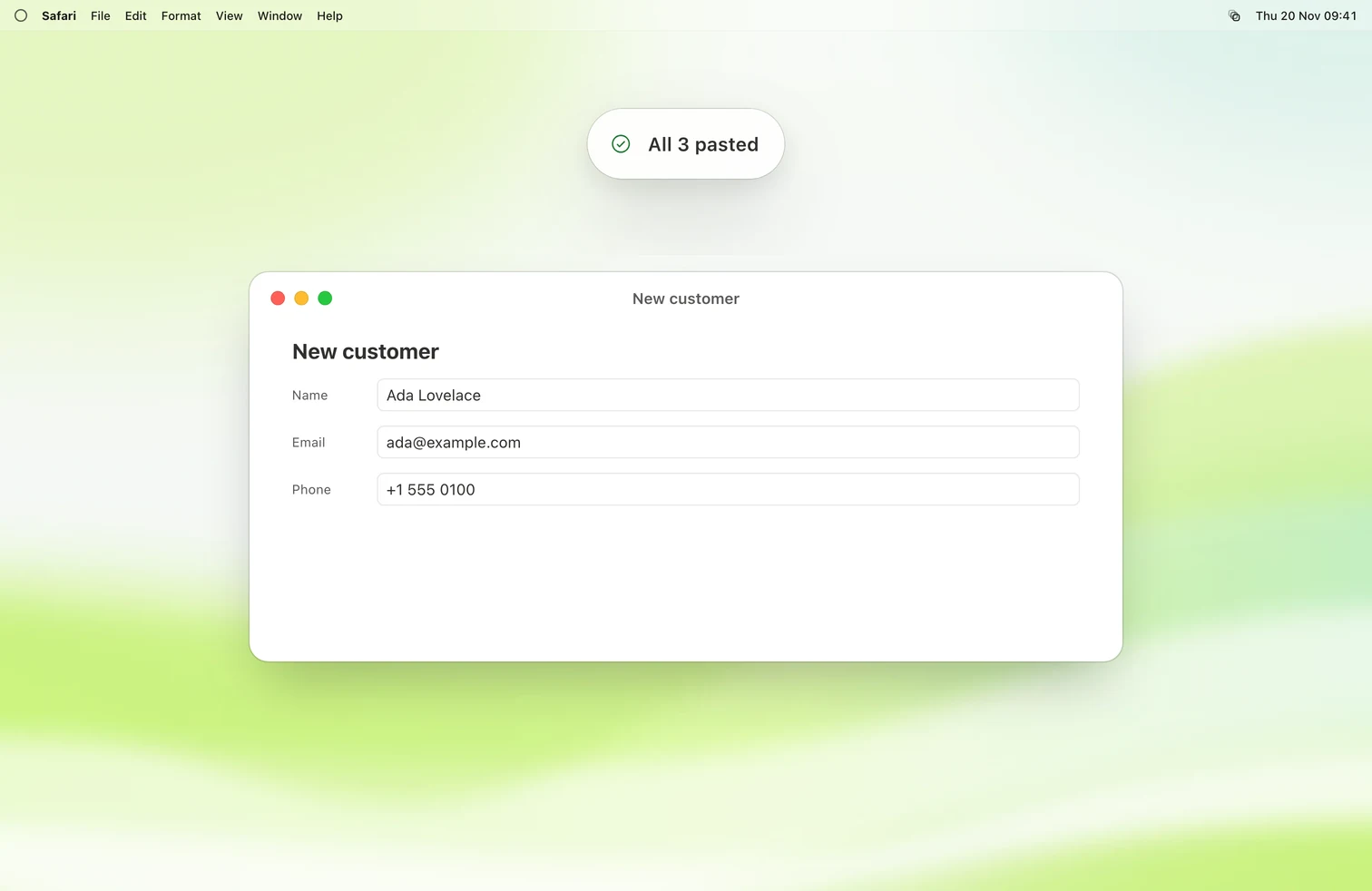
- Kopyo presses Tab between pastes, so a form fills itself.
- A counter shows where you are: 2 of 5.
- Merge clips into a list, a table or JSON.
Pin what you paste every day.
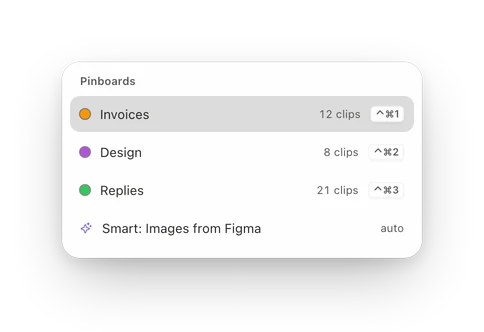
Pinboards and snippets keep your most-used clips one key away.
Pinboards.
Pin clips, sort them into pinboards, tag them, or let smart pinboards fill themselves.
Snippets.
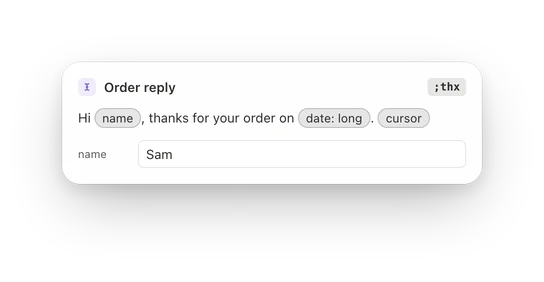
Turn templates into fill-in forms with dates, choices and a cursor spot.
Your clipboard stays on your Mac.
No account. No cloud. Nothing is saved until you turn it on.
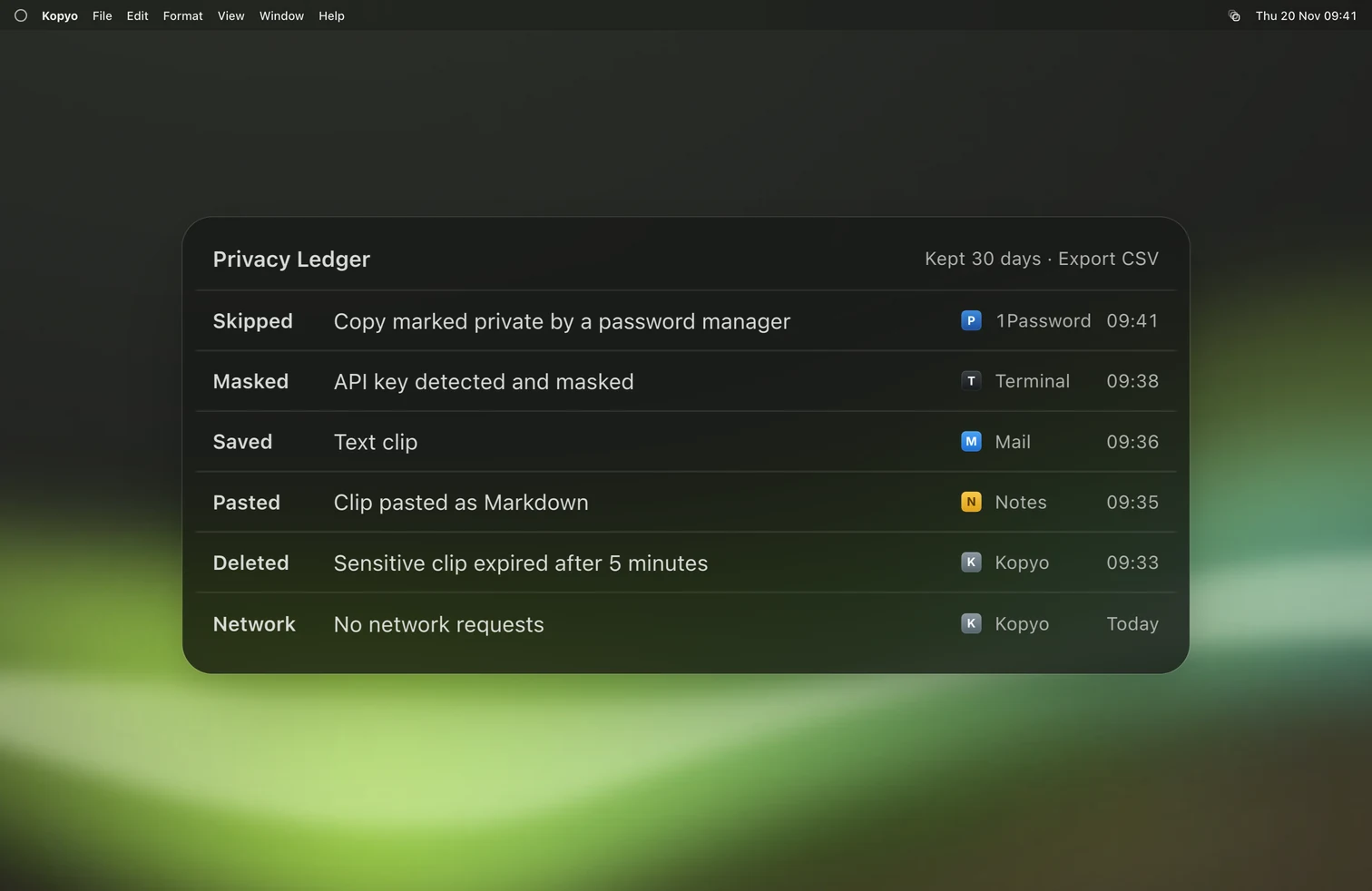
- Skipped. Copies your password manager marks as private are never saved.
- Masked. Passwords, keys and card numbers are encrypted and deleted after five minutes.
- Locked. Lock Kopyo with Touch ID. The Privacy Ledger shows what Kopyo did, never what you copied.
Two layouts. Same keys.
The Shelf lines your clips up along the bottom of the screen. The Palette is a focused list in the center. Switch any time with Option Command L.
Made for people who copy a lot.
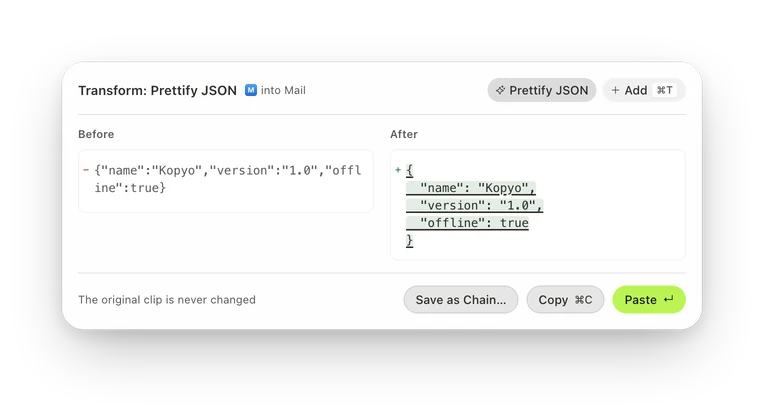
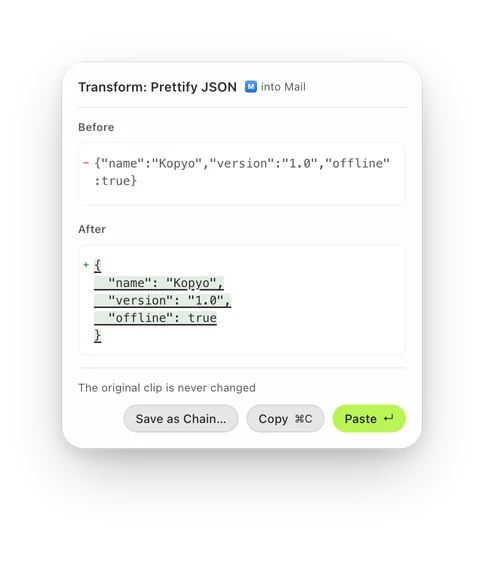
JSON, prettified.
Prettify JSON, decode a JWT or escape for the shell before you paste. Code is highlighted in 18 languages.
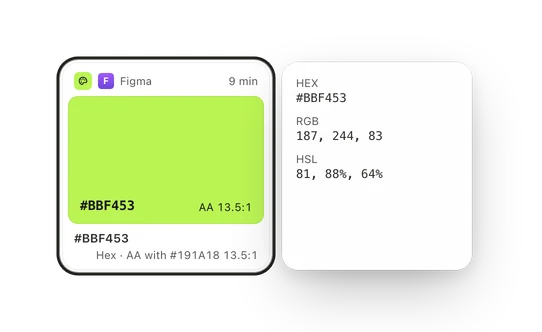
Colors, converted.
Colors show up as swatches and convert between hex, RGB and HSL.
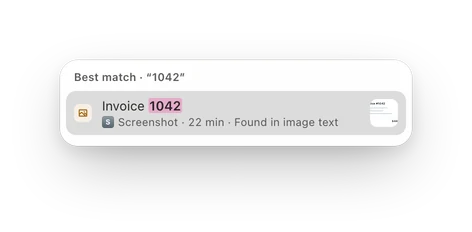
Screenshots, searchable.
Find a screenshot by the words inside it.
53
transforms, from Title Case to Base64. Chain them into one shortcut.
Scriptable to the core.
17 Shortcuts actions, a kopyo command line tool, AppleScript and kopyo:// links.
macOS Tahoe has a clipboard history. Here's what Kopyo adds.
| Spotlight clipboard | Kopyo | |
|---|---|---|
| History kept | Up to 7 days | Forever by default, or limits you set |
| Pin clips | No | Yes, plus pinboards, tags and smart pinboards |
| Rich text | Pasted as plain text | Original formatting, or the shape you choose |
| Paste several in order | No | Queue, merge and split |
| Leave out chosen apps | No | Yes, plus content and window-title rules |
Kopyo and the Spotlight clipboard, checked November 19, 2026
History kept
- Spotlight clipboard
- Up to 7 days
- Kopyo
- Forever by default, or limits you set
Pin clips
- Spotlight clipboard
- No
- Kopyo
- Yes, plus pinboards, tags and smart pinboards
Rich text
- Spotlight clipboard
- Pasted as plain text
- Kopyo
- Original formatting, or the shape you choose
Paste several in order
- Spotlight clipboard
- No
- Kopyo
- Queue, merge and split
Leave out chosen apps
- Spotlight clipboard
- No
- Kopyo
- Yes, plus content and window-title rules
One app. Every feature.
Pay yearly or once, for 1, 2, or 5 Macs. Every plan gets every feature and every update. Try it free for 7 days, no card needed.
From $14.90 $7.45 a year
Questions, answered.
Everything you copy. One keystroke away.
Try every feature free for 7 days. No card, no account.
macOS Tahoe 26 or later